Alesis MMT-8 Clone
This time I developed a clone of my favorite sequencer: the Alesis MMT-8. You may be wondering what the point is today of using such an old and therefore limited design. The answer is: there is a point! The strength of this device lies in its simplicity, well-designed software, and access to all functions directly from the front panel. I truly recommend experiencing for yourself how well this was designed back then. It is worth mentioning that a considerable group of users still rely on this hardware, its market prices remain relatively high, and even one well-known company produces a fairly expensive functional clone in a small enclosure.
While developing this clone, I slightly simplified the original schematic, used several more modern components, and removed functions that are no longer necessary today, such as cassette memory dump support, start/stop footswitch support, and click output. At the same time, I added new features. Below are the main features of my device:
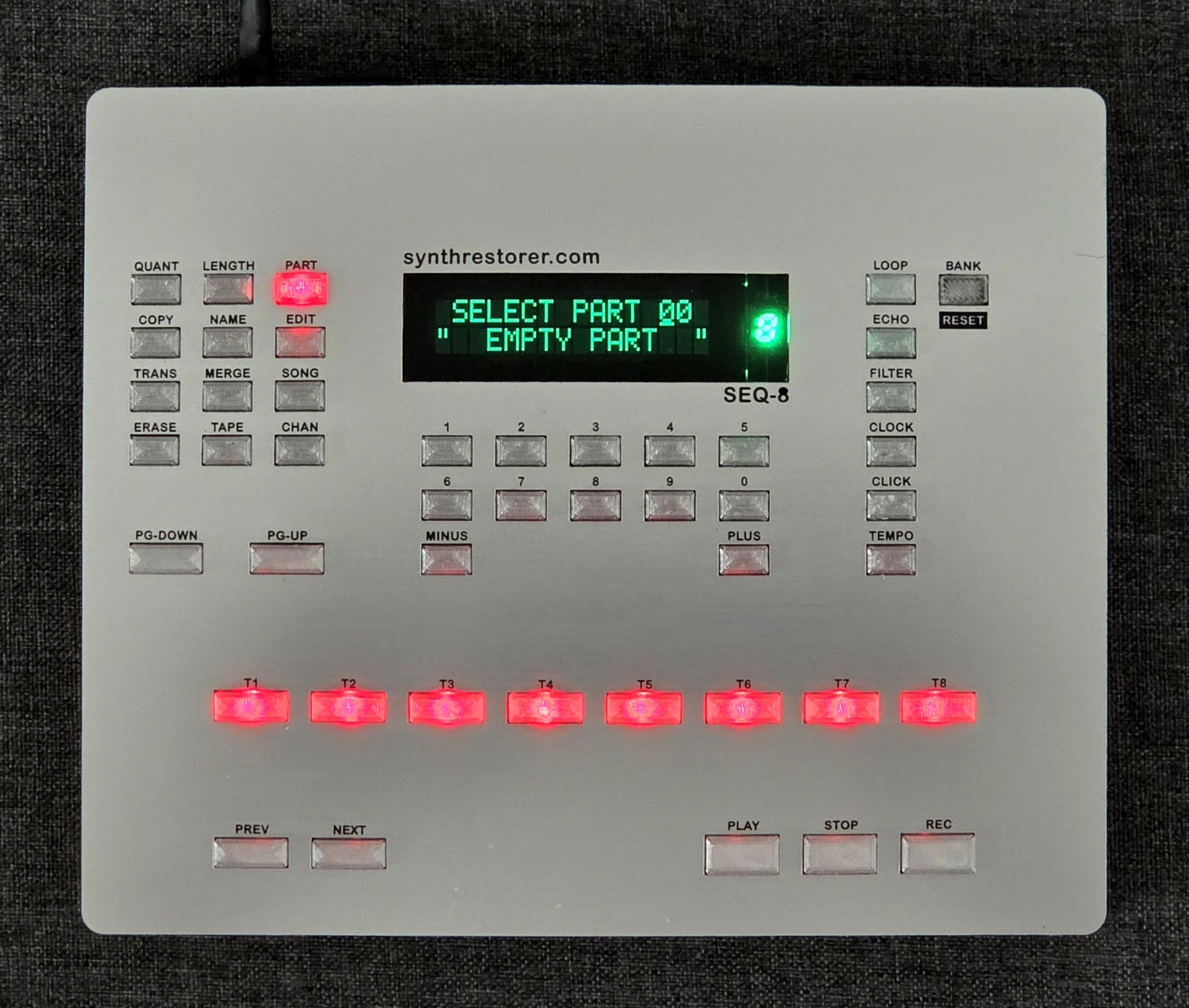
- small, compact, high-quality enclosure (inox or white panel),
- Dimensions: 21 x 17 x 3 cm,
- note memory increased eightfold (up to 88,000 notes maximum, divided into 8 banks of 11,000 notes each),
- additional memory bank selection button (1 of 8), also supporting the memory formatting function,
- additional memory bank display (1 of 8),
- backlighting integrated into selected function buttons,
- new built-in power supply based on a DC/DC converter,
- high-quality LCD display,
- power supply: 9…12 VDC (unlike the original, which uses an AC power supply),
- RGB version avaible,
- low cost: $175.
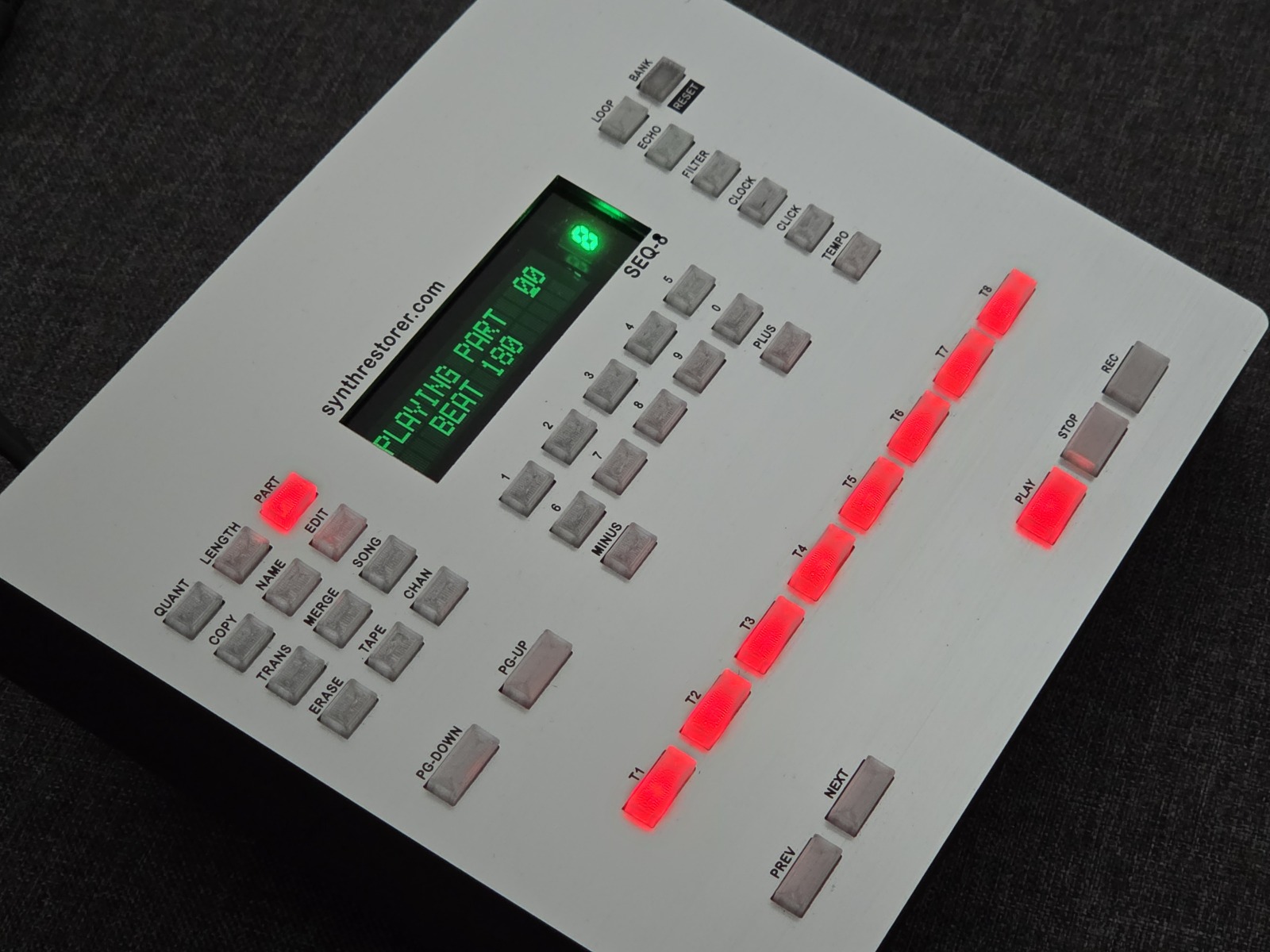
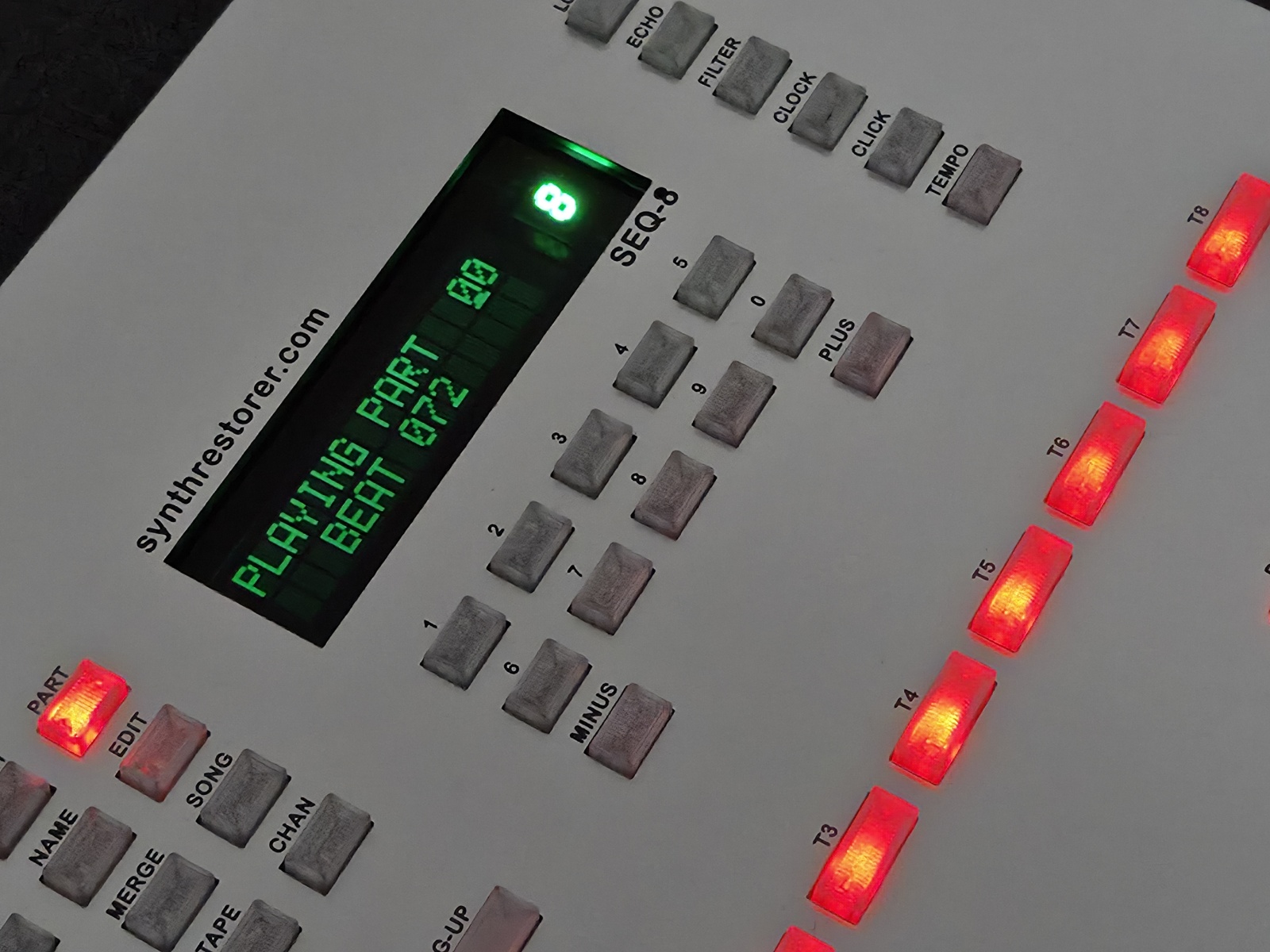
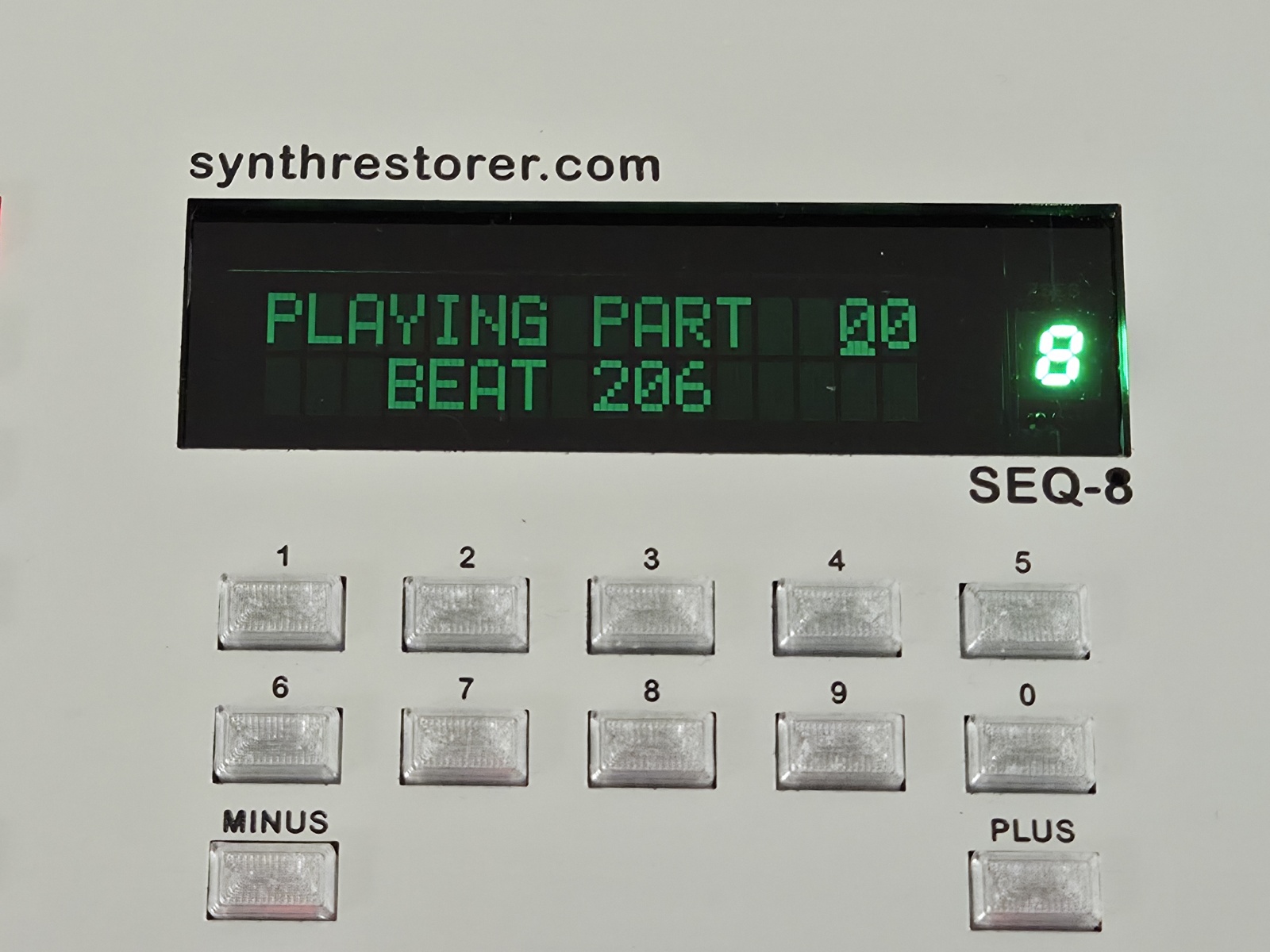
Photos of the device and its internal construction are shown below. If you would like to buy one, just email me: info@synthrestorer.com or robert.wolgajew@gmail.com
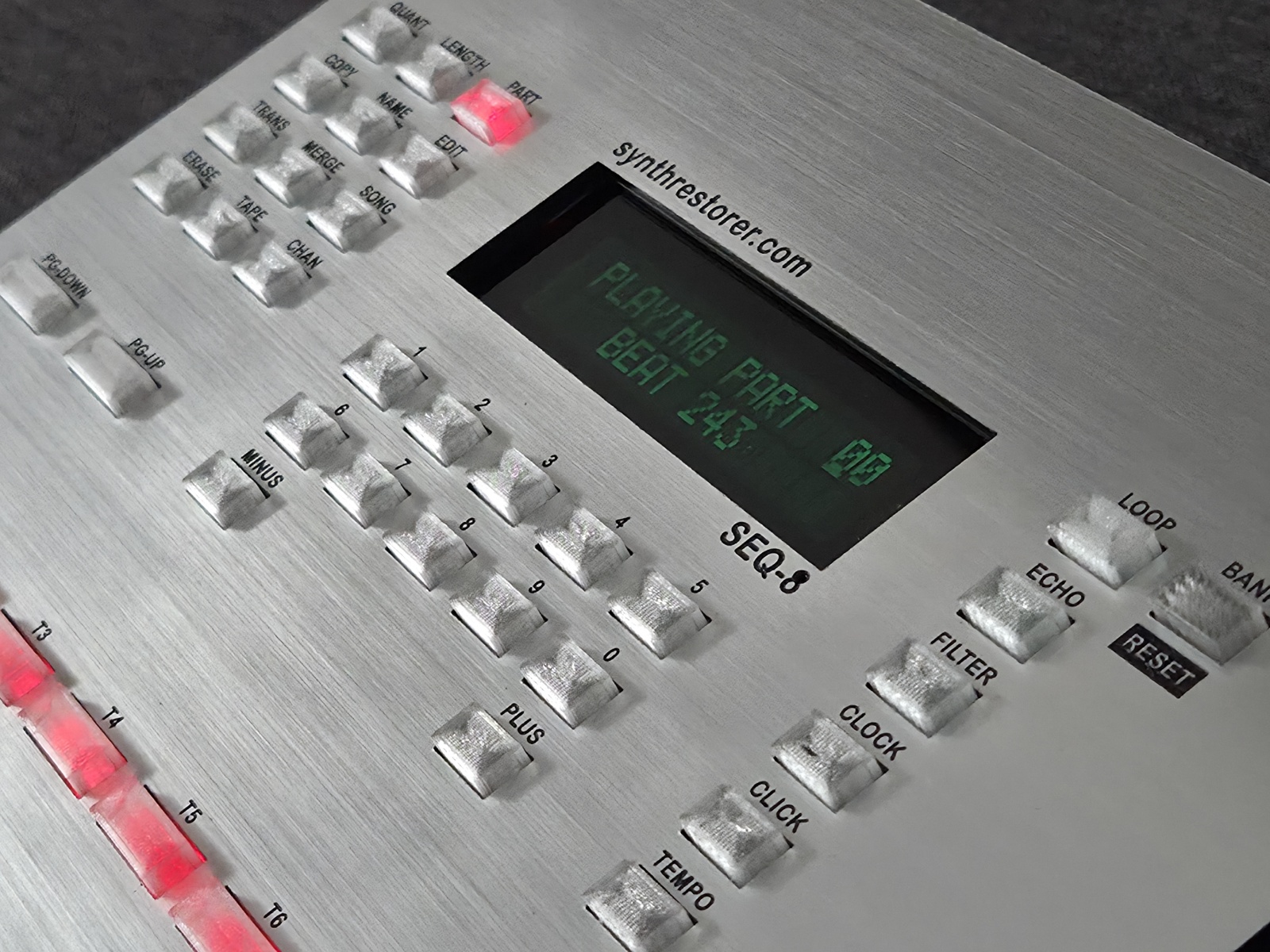
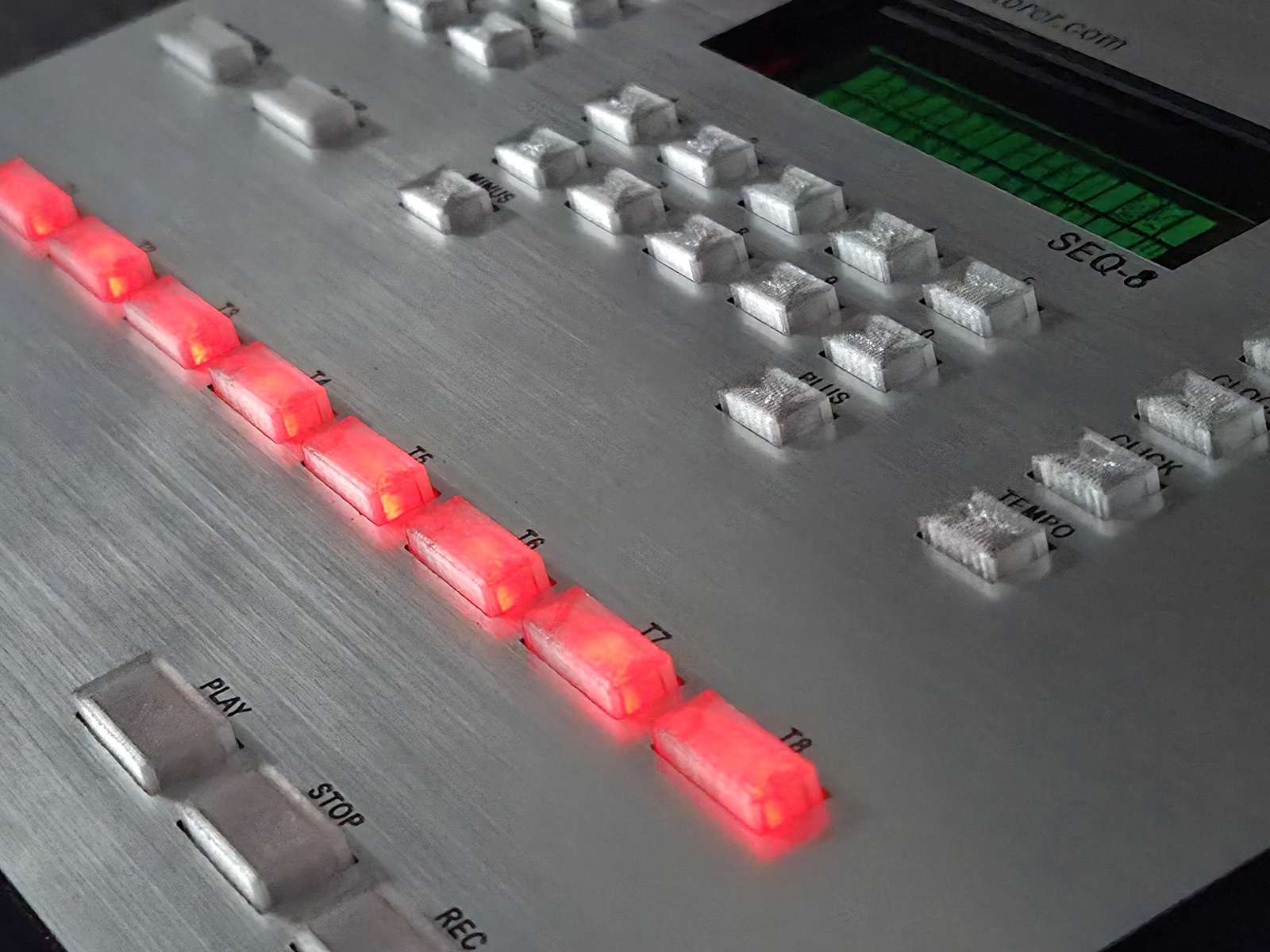
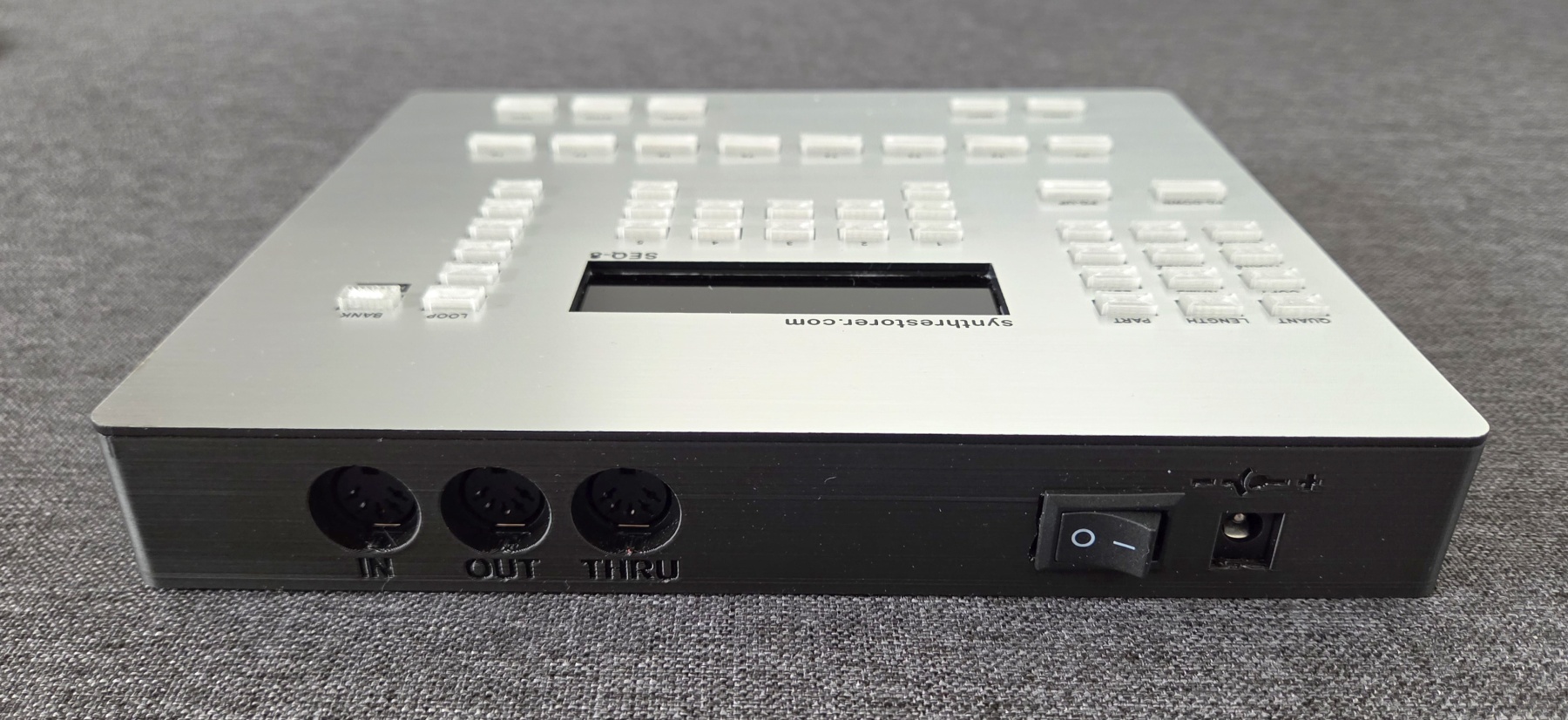
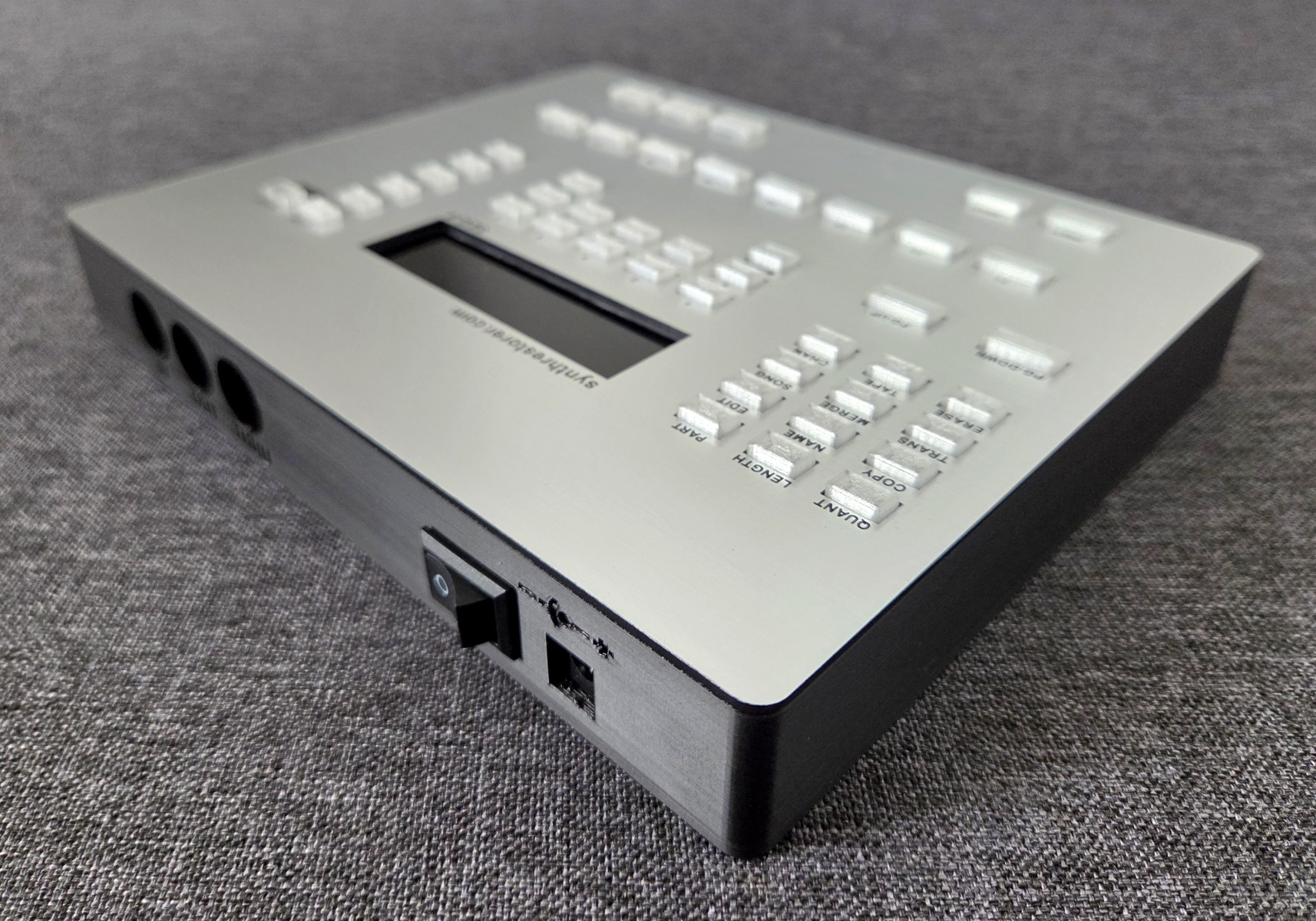
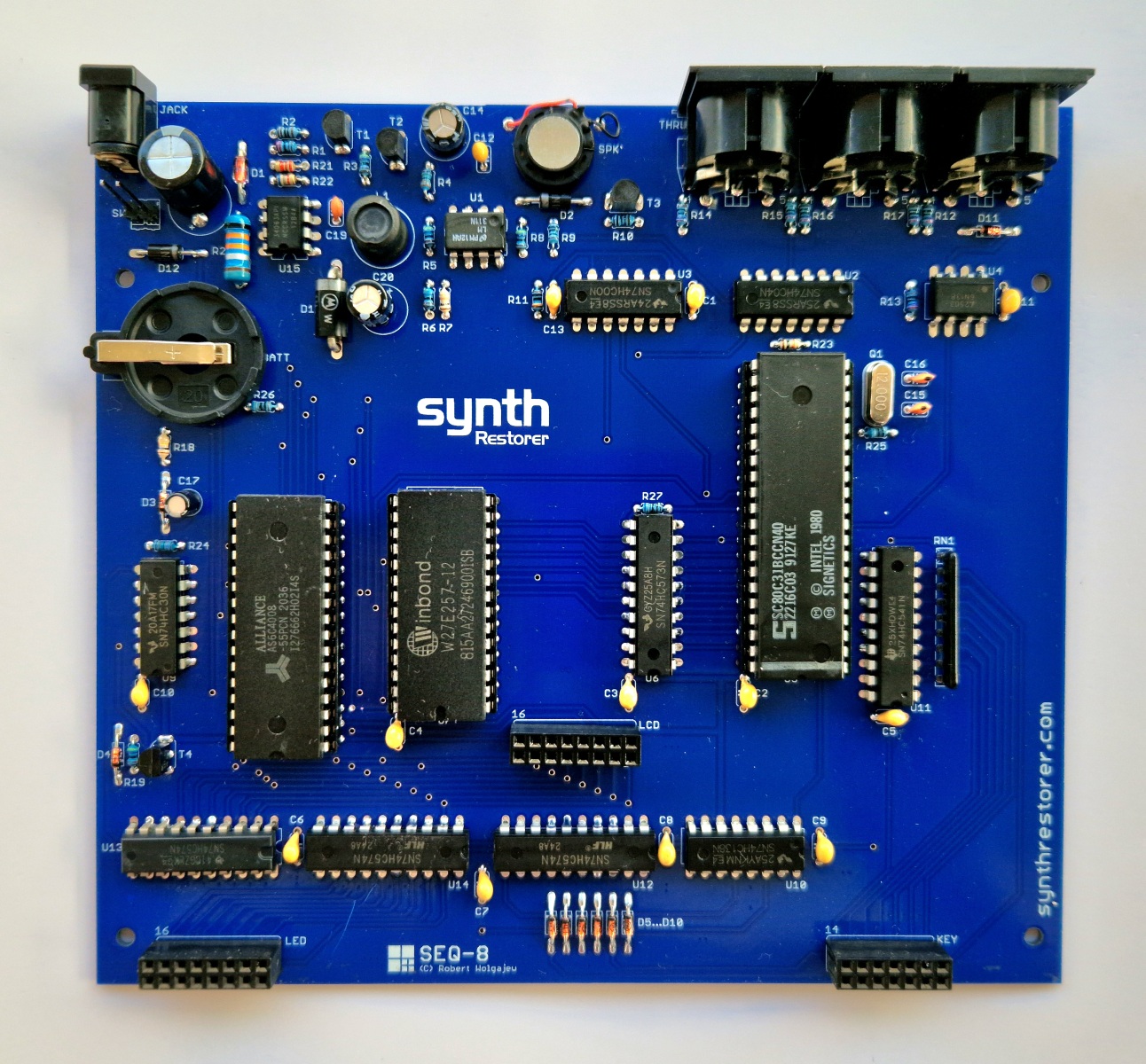
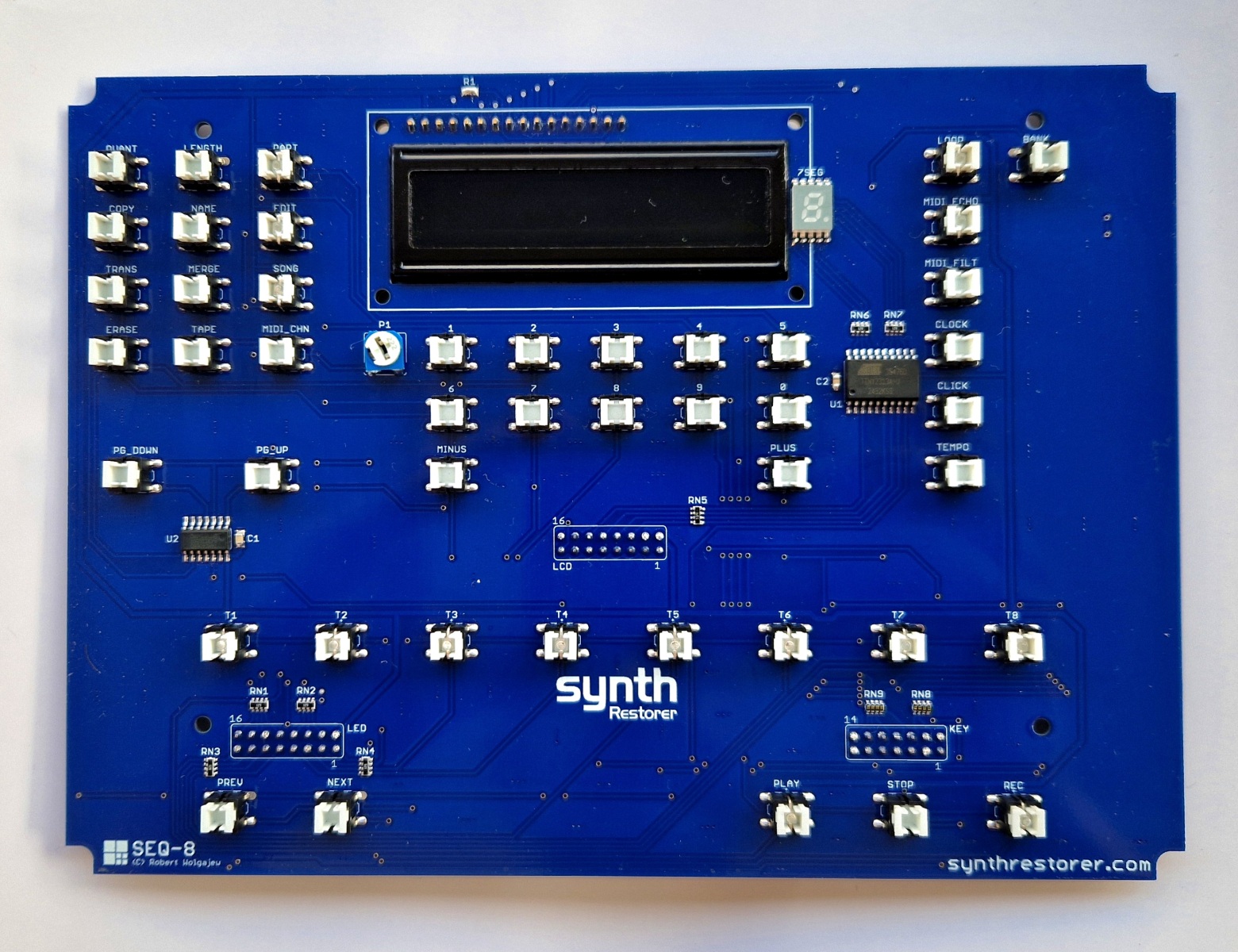
Controls:
The operation of the device is analogous to the original, as it uses the same software. The only exception is the handling of the additional memory banks.
A short press of the BANK button switches the active memory bank, but this can only be done when the device is not playing or recording any MIDI data. It is recommended to turn the device off and on again after switching the memory bank to force a read of the entire RAM contents.
A long press of the BANK button initiates the memory bank formatting procedure, which in the original MMT-8 was initiated by pressing and holding (for 3 seconds) the PAGE UP, PAGE DOWN, and ERASE buttons while turning it on. This clone offers two options: the old-fashioned formatting method and using the BANK button, with the latter option not requiring turning the device off and on. After activating this function, the sequencer will reset and perform a RAM clearing procedure.
Please note that this procedure must be performed for each of the eight available memory banks to be ready to receive data.
- RGB version
In the standard operating mode, the RGB version is operated in exactly the same way as the earlier version of the SEQ-8. The new feature is an RGB configuration mode that allows you to adjust the LCD backlight color across the full RGB color range.
To enter this mode, quickly press the BANK button twice. The 7-segment LED display will then show a letter representing the RGB color component currently being adjusted (r, g, or b). All adjustments are made using the BANK button alone.
The button operates as follows in this mode:
- Short press – increases the intensity of the currently selected LCD backlight color component (red, green or blue). The adjustment cycles through 16 levels for each component, in a range from 0 to 100%.
- Long press – switches the LCD backlight color component being adjusted (in a loop) and displays its symbol on the LED display.
- Two quick presses – saves the settings and returns the device to normal operating mode, in which the LED display shows the number of the currently active memory bank (1–8).
Entering RGB configuration mode does not prevent normal use of the device, except that the currently active memory bank is no longer indicated on the display.